Chapters
Custom Post Types
How to Create a Custom post type
Please use the ACF built-in post type functionality to register new post types. See this article for more information.
Custom Post Type SEO
When creating a post type that will not have a template file assigned to it, please make sure to disable the “Publicly Queryable” option in the ACF settings: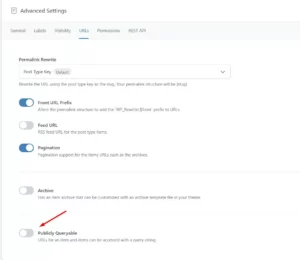
Please also add the noindex tag to the custom post type via the SEO Framework plugin (SEO > Robots Settings > Indexing): 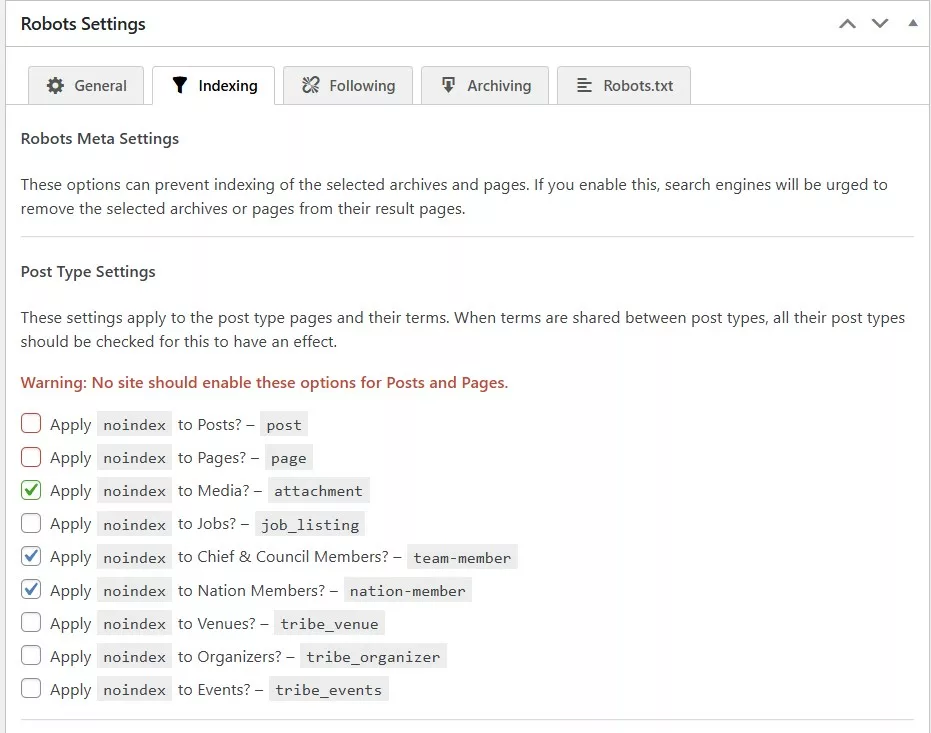
This usually applies to custom post types that will have some ACF fields displayed in a modal, or a card that does not link to a “view more” page for example.
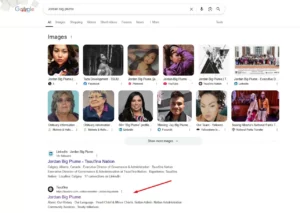
Otherwise, Google will index those empty custom post types and users will be able to navigate to them, which is not good UX and hurts SEO. For example, we used custom post types for the Tsuut’ina team members but didn’t have a template file assigned, therefore when searching for “Jordan big plume” (team-member custom post type) Google returned results of an empty page: